> For the complete documentation index, see [llms.txt](https://doc.wearepatchworks.com/product-documentation/llms.txt). Markdown versions of documentation pages are available by appending `.md` to page URLs; this page is available as [Markdown](https://doc.wearepatchworks.com/product-documentation/process-flows/building-process-flows/process-flow-shapes/standard-shapes/map-shape/working-with-field-transformations/available-transform-functions/date-transform-functions/round-date-transform-function.md).
# Round date transform function
## Introduction
The **round date** transform function is used to round source dates to either the start or end of the day, where:
* `start of day` changes the time to `00:00` for the received date
* `end of day` changes the time to `23:59` for the received date
So, you can round a given source date before sending the rounded value into a given target field.
## Adding a round date transform
**Step 1**\
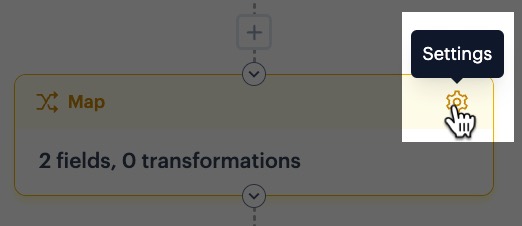
In your process flow, access settings for your map shape:
**Step 2**\
Select the **add transform** button for the required mapping rule - for example:
**Step 3**\
Click the **add transform** button:
**Step 4**\
Click in the **name** field to access a list of all available transform functions, then select **round date**:
**Step 5**\
Choose your required rounding:
**Step 6**\
Accept your changes and save the transformation - at this point your mapping row is displayed without a target. From here, you can go ahead and add a target field: