> For the complete documentation index, see [llms.txt](https://doc.wearepatchworks.com/product-documentation/llms.txt). Markdown versions of documentation pages are available by appending `.md` to page URLs; this page is available as [Markdown](https://doc.wearepatchworks.com/product-documentation/developer-hub/patchworks-mcp/patchworks-mcp-hosted/installation-and-setup-patchworks-mcp-hosted/generating-a-patchworks-mcp-key.md).
# Generating a Patchworks MCP key
## Introduction
You will need an *MCP key* to connect any AI assistant to the hosted Patchworks MCP server. This authorises your AI assistant to access and interact with your Patchworks implementation. You can use the same MCP key for multiple AI assistants, or generate one key per assistant - it's entirely up to you.
## The steps
To generate an MCP key, follow the steps below.
{% stepper %}
{% step %}
**Access Patchworks API keys**
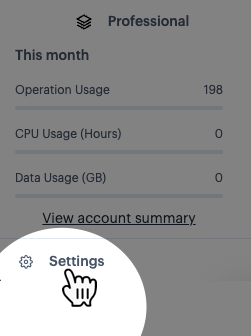
Select the `settings` option (at the bottom of the navigation menu):
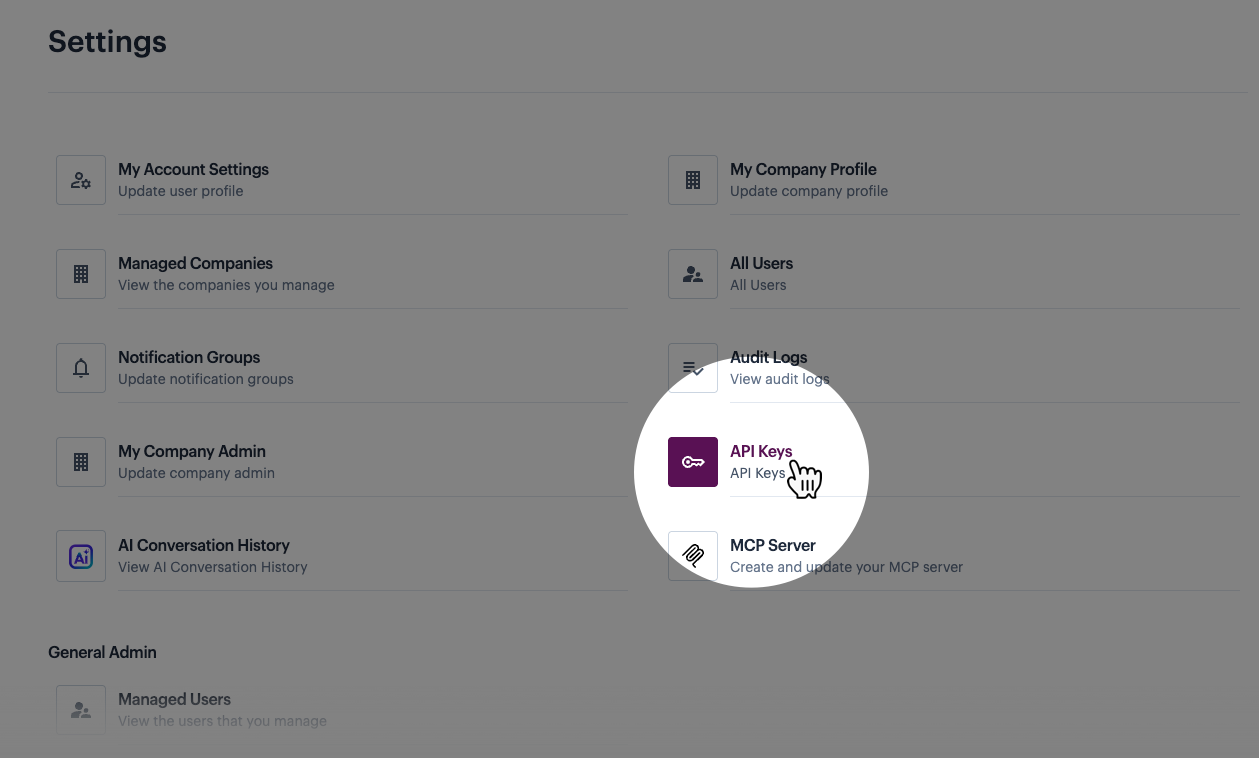
Then select the `API keys` option:
{% endstep %}
{% step %}
**Choose which type of key to generate**
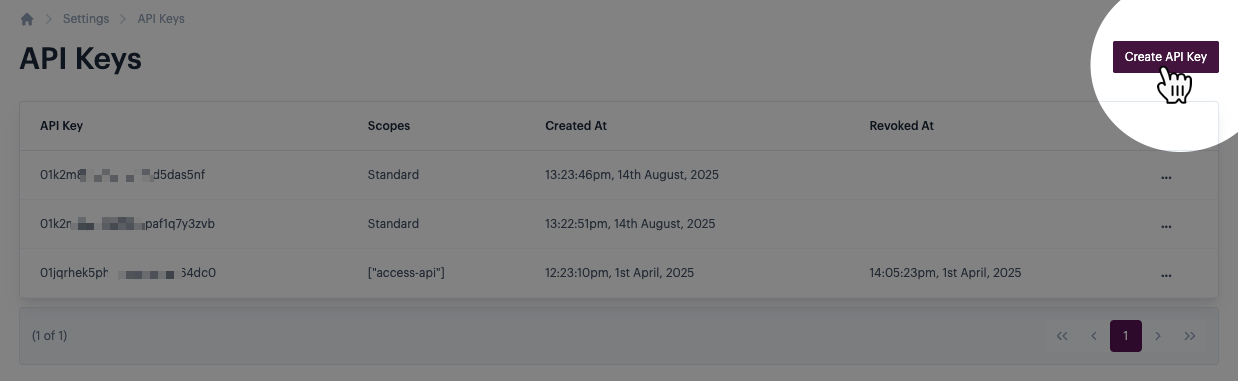
Click the `create API key` button:
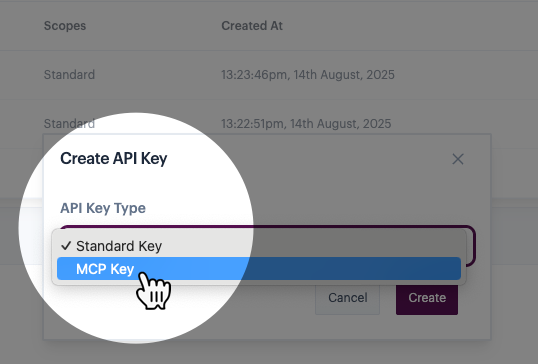
Then click in the `API key type` field and select `MCP key`:
{% endstep %}
{% step %}
**Save the key**
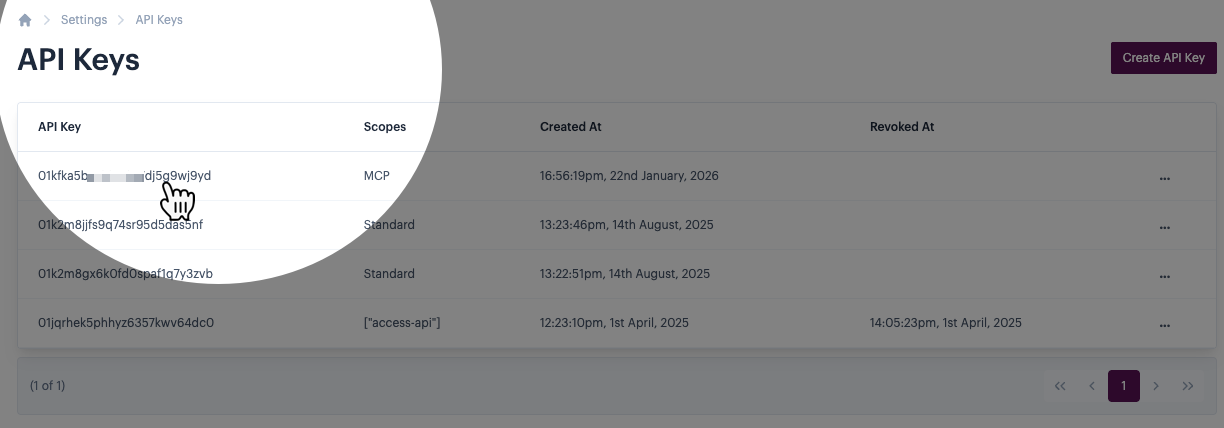
The new key is added to your API keys list, with a `scope` set to `MCP`. For example:
Copy/paste this in to your preferred password manager, ready for use later.
{% endstep %}
{% endstepper %}