> For the complete documentation index, see [llms.txt](https://doc.wearepatchworks.com/product-documentation/llms.txt). Markdown versions of documentation pages are available by appending `.md` to page URLs; this page is available as [Markdown](https://doc.wearepatchworks.com/product-documentation/developer-hub/patchworks-mcp/patchworks-mcp-hosted/working-with-your-hosted-patchworks-mcp-server-deployment/undeploying-your-patchworks-mcp-server.md).
# Undeploying your Patchworks MCP server
## Introduction
There may be times when you want to undeploy your current Patchworks MCP server - for example, to revert it to `draft` for editing, or to take it offline while you make changes in a separate `draft`.
## Need to know
* Undeploying a `deployed` MCP server will cause any existing connections with AI assistants to be disconnected. This remains the case until another [deployment](/product-documentation/developer-hub/patchworks-mcp/patchworks-mcp-hosted/working-with-your-hosted-patchworks-mcp-server-deployment/deploying-updated-mcp-tools-for-an-existing-draft.md) is made.
* When a `deployed` version is undeployed, its status changes to `draft`. If there were an existing `draft` version, it would be overwritten.
## The steps
{% stepper %}
{% step %}
**Access your MCP server deployments**
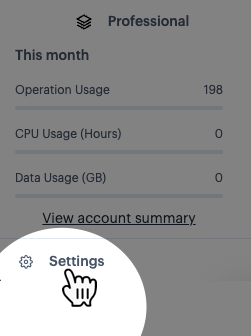
Select the `settings` option (at the bottom of the navigation menu):
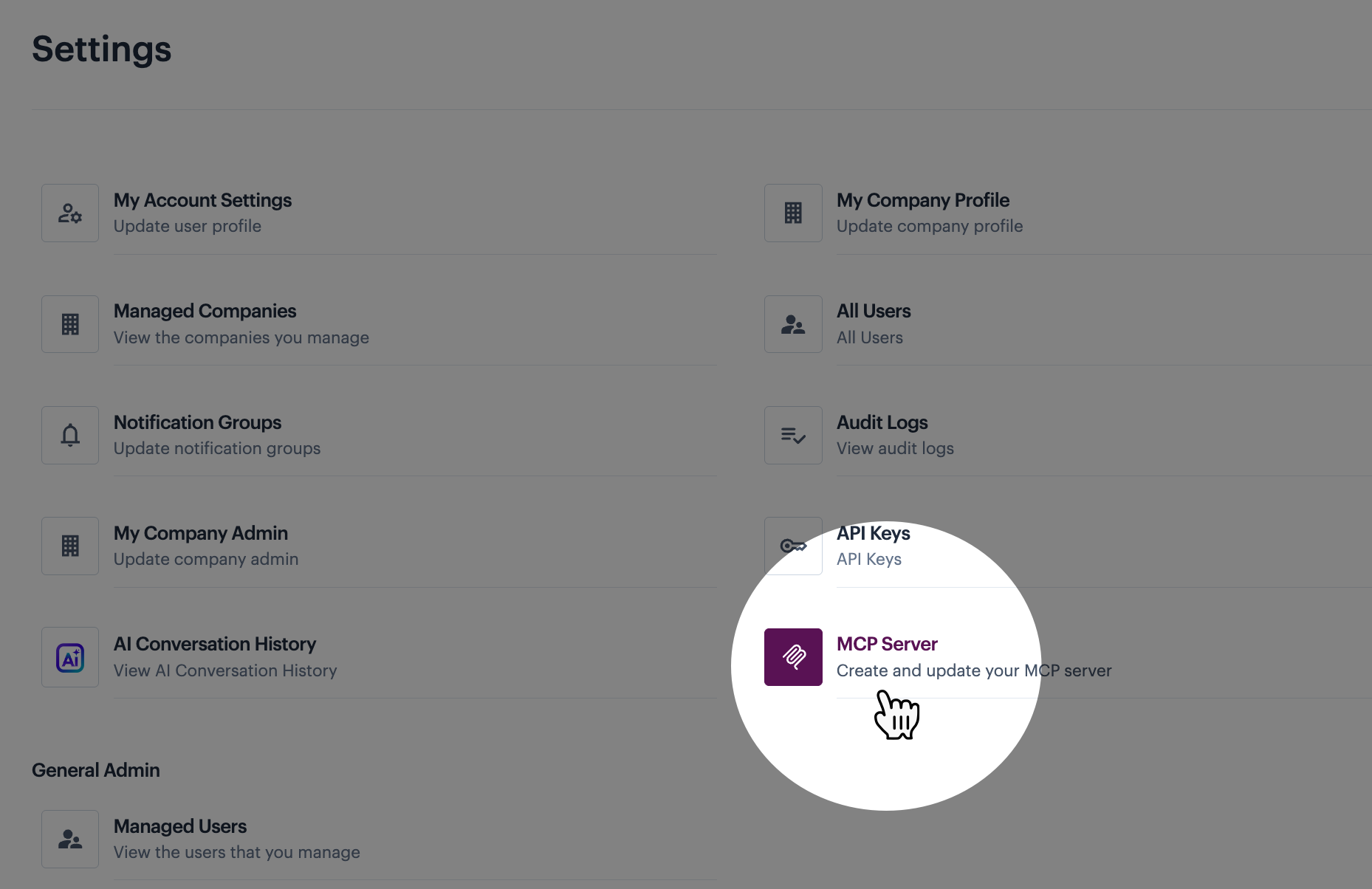
Then select the `MCP servers` option:
{% endstep %}
{% step %}
**Deploy the draft**
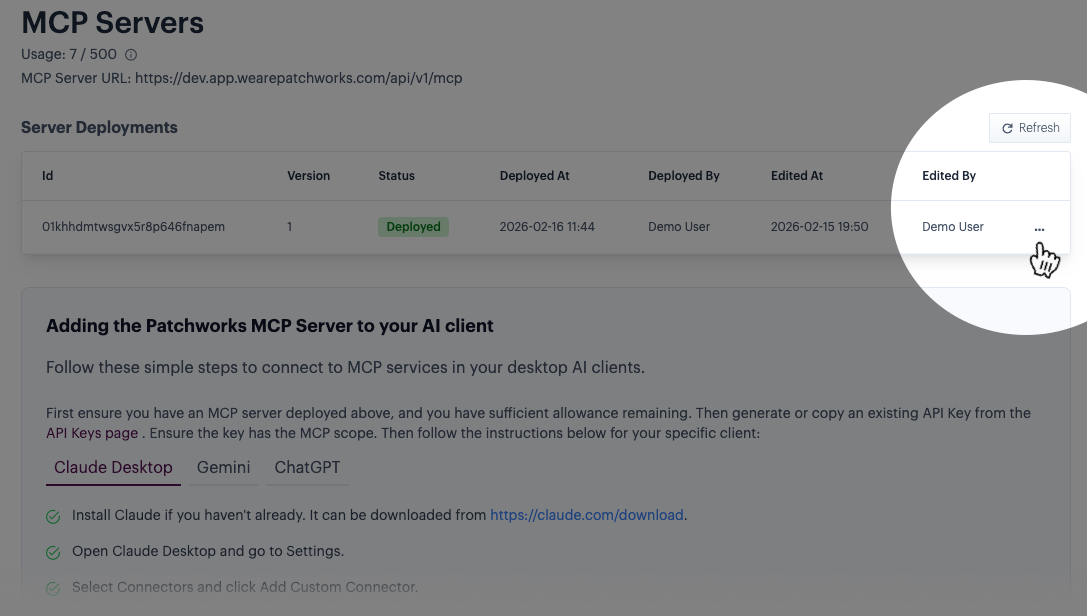
Click the ellipsis icon for the `deployed` entry:
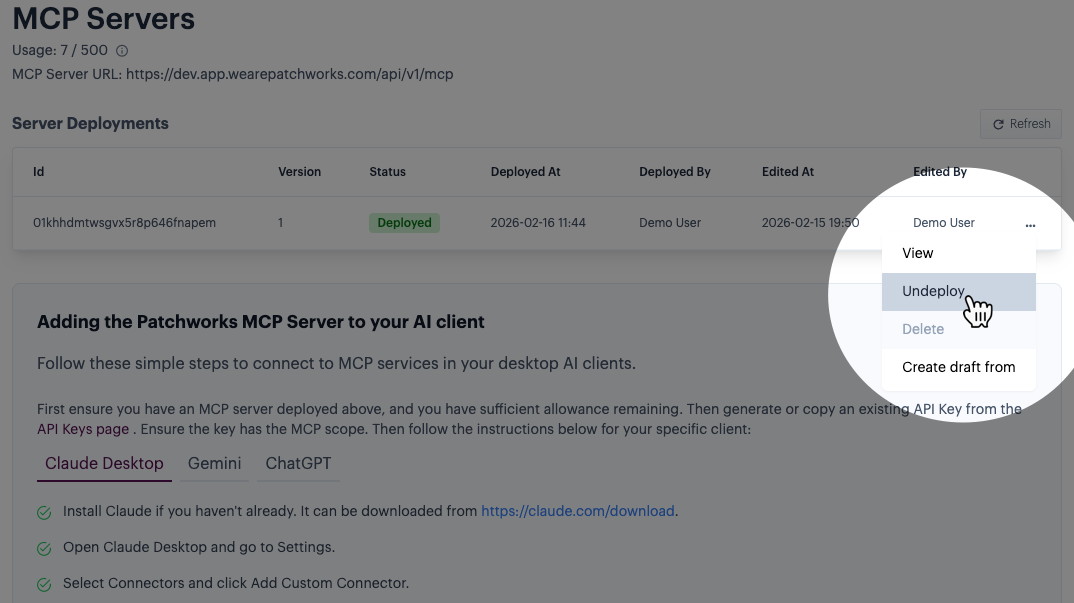
Then select the `undeploy` option:
The `deployed` status changes to `draft`. If there were an existing `draft` version, it would be overwritten.
{% endstep %}
{% endstepper %}