> For the complete documentation index, see [llms.txt](https://doc.wearepatchworks.com/product-documentation/llms.txt). Markdown versions of documentation pages are available by appending `.md` to page URLs; this page is available as [Markdown](https://doc.wearepatchworks.com/product-documentation/patchworks-services/reporting-and-logging/viewing-logs-for-custom-script-activity-in-services.md).
# Viewing logs for custom script activity in services
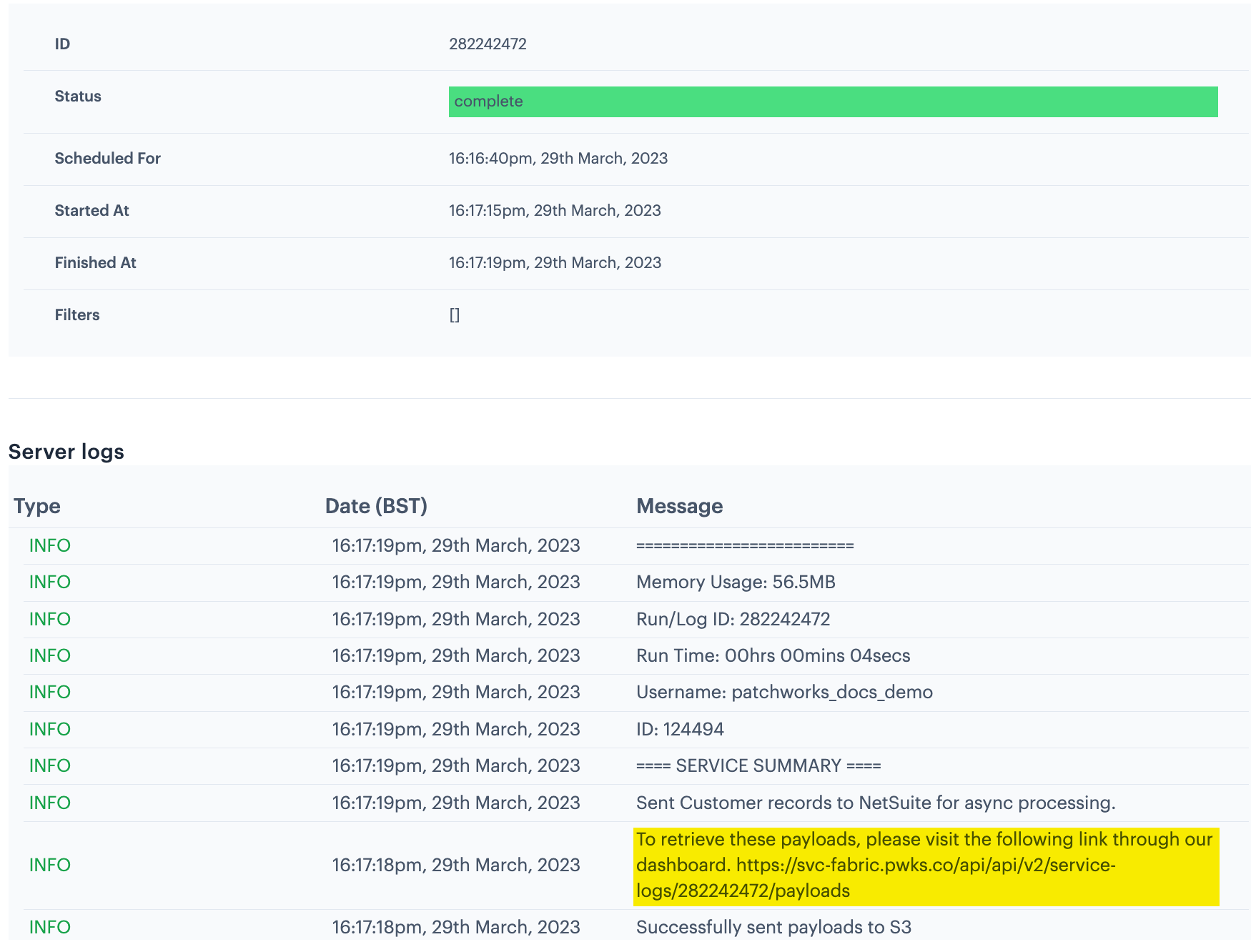
If the service was [run manually](/product-documentation/patchworks-services/troubleshooting/how-to-run-a-service-manually.md) and you opted to **download custom script payloads**, a link to generated payloads will be available in this log information. For example:
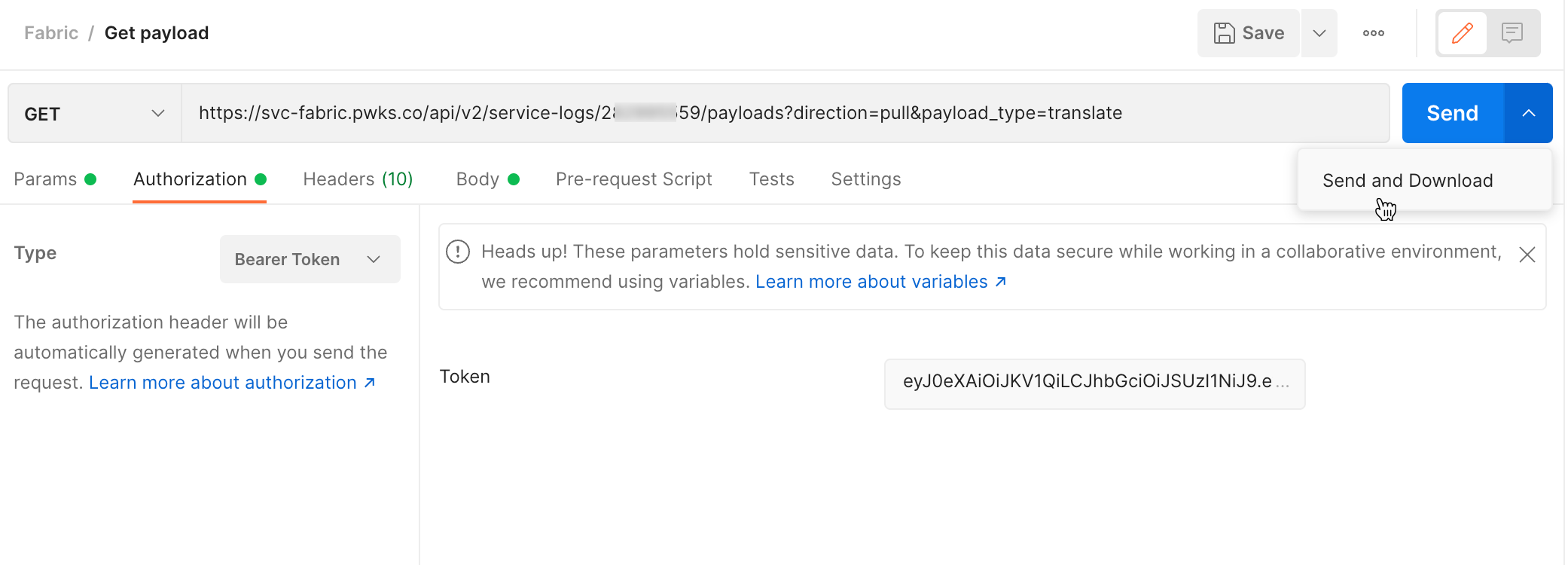
To access these files, you'll need to send a GET request, authenticated with a [Patchworks token](broken://pages/vD2lVg6BPgiPl5msLjmg). A Postman example is shown below: