> For the complete documentation index, see [llms.txt](https://doc.wearepatchworks.com/product-documentation/llms.txt). Markdown versions of documentation pages are available by appending `.md` to page URLs; this page is available as [Markdown](https://doc.wearepatchworks.com/product-documentation/patchworks-services/working-with-services/accessing-services.md).
# Accessing services
## Introduction
This page shows how to access your Patchworks services.
## The steps
Follow the steps below to access the **services** list:
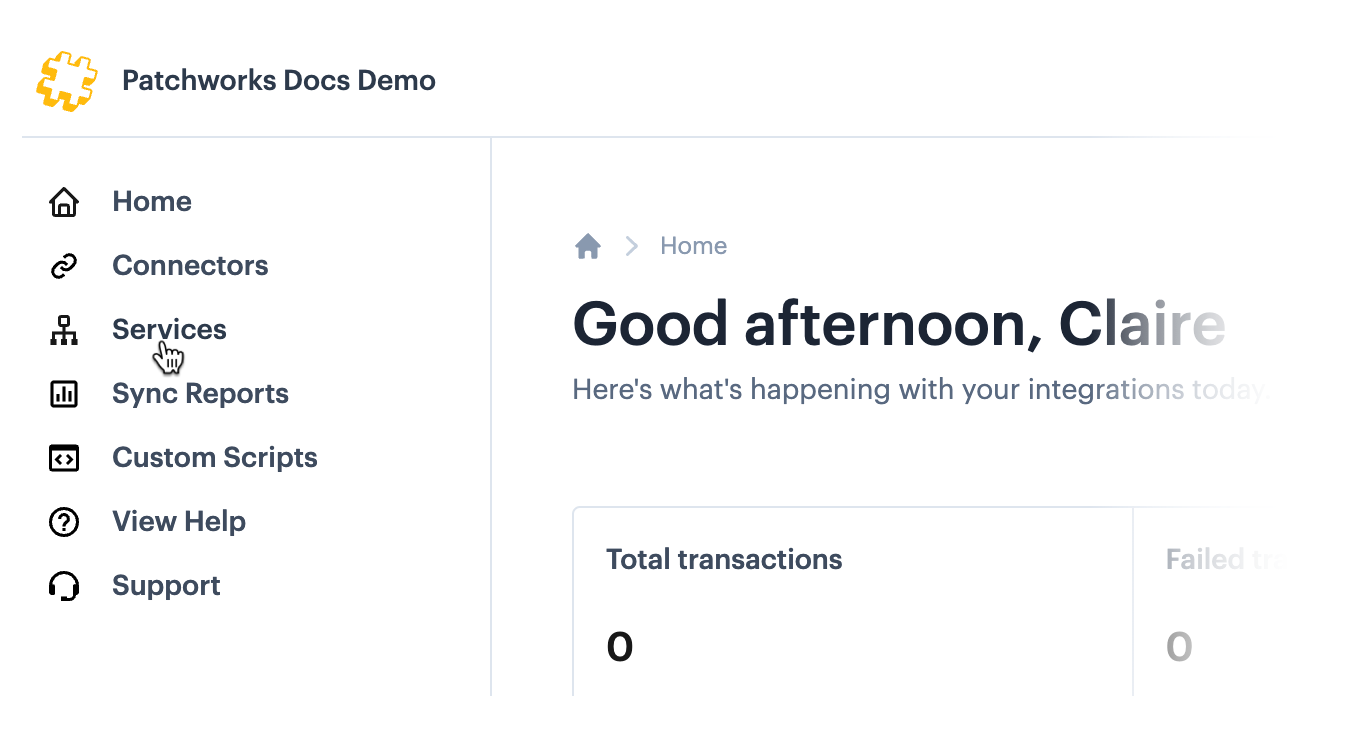
**Step 1**\
Select **services** from the left-hand navigation menu:
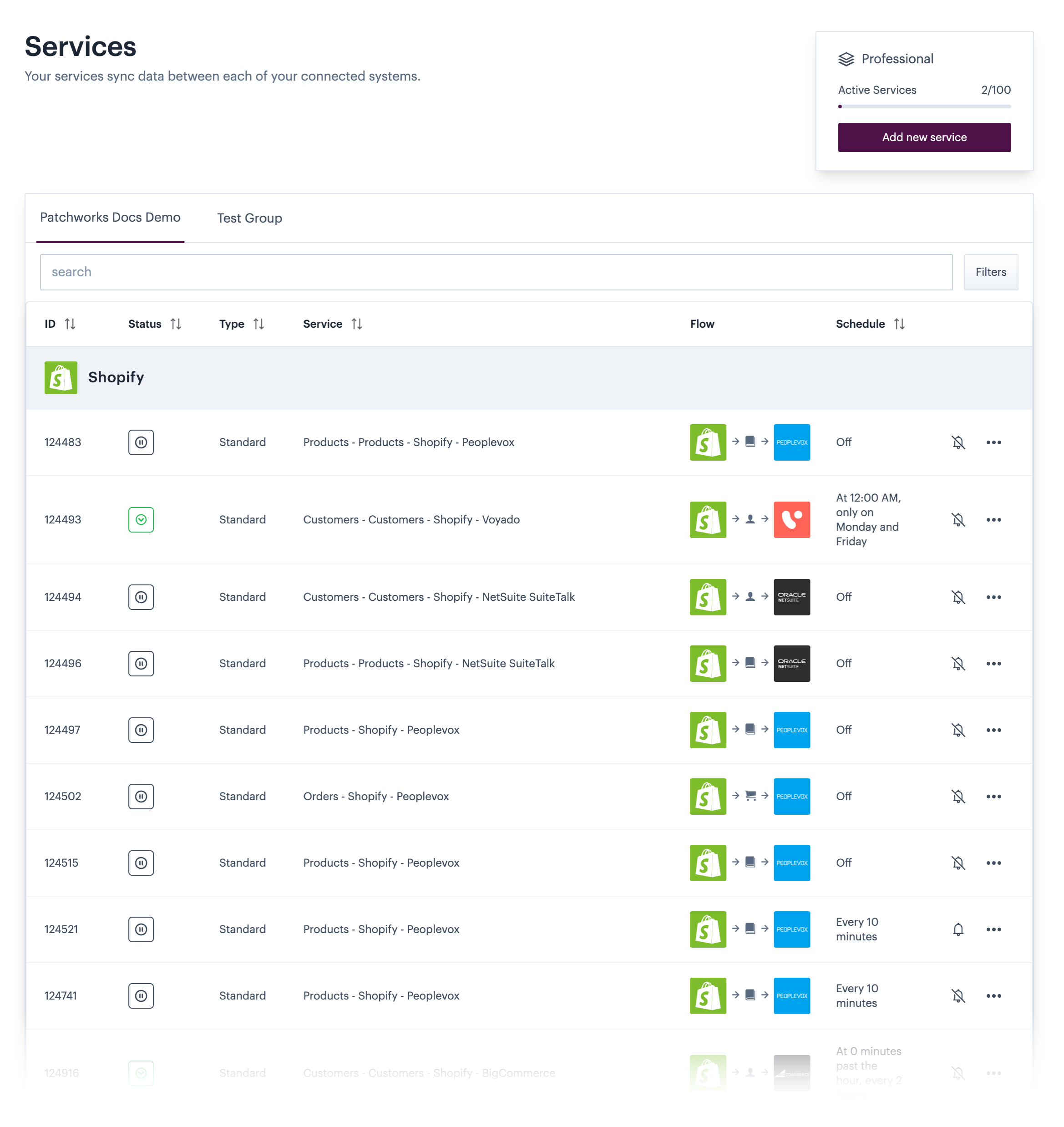
**Step 2**\
The **services** list is displayed:
{% hint style="info" %}
For more information please see the [services list](/product-documentation/patchworks-services/working-with-services/the-services-list.md) page.
{% endhint %}