# Cloning an existing service
## Introduction
If you need to add a service with similar attributes to one that already exists, you can clone an existing service and then edit the copy to make any required changes.
## The steps
**Step 1**\
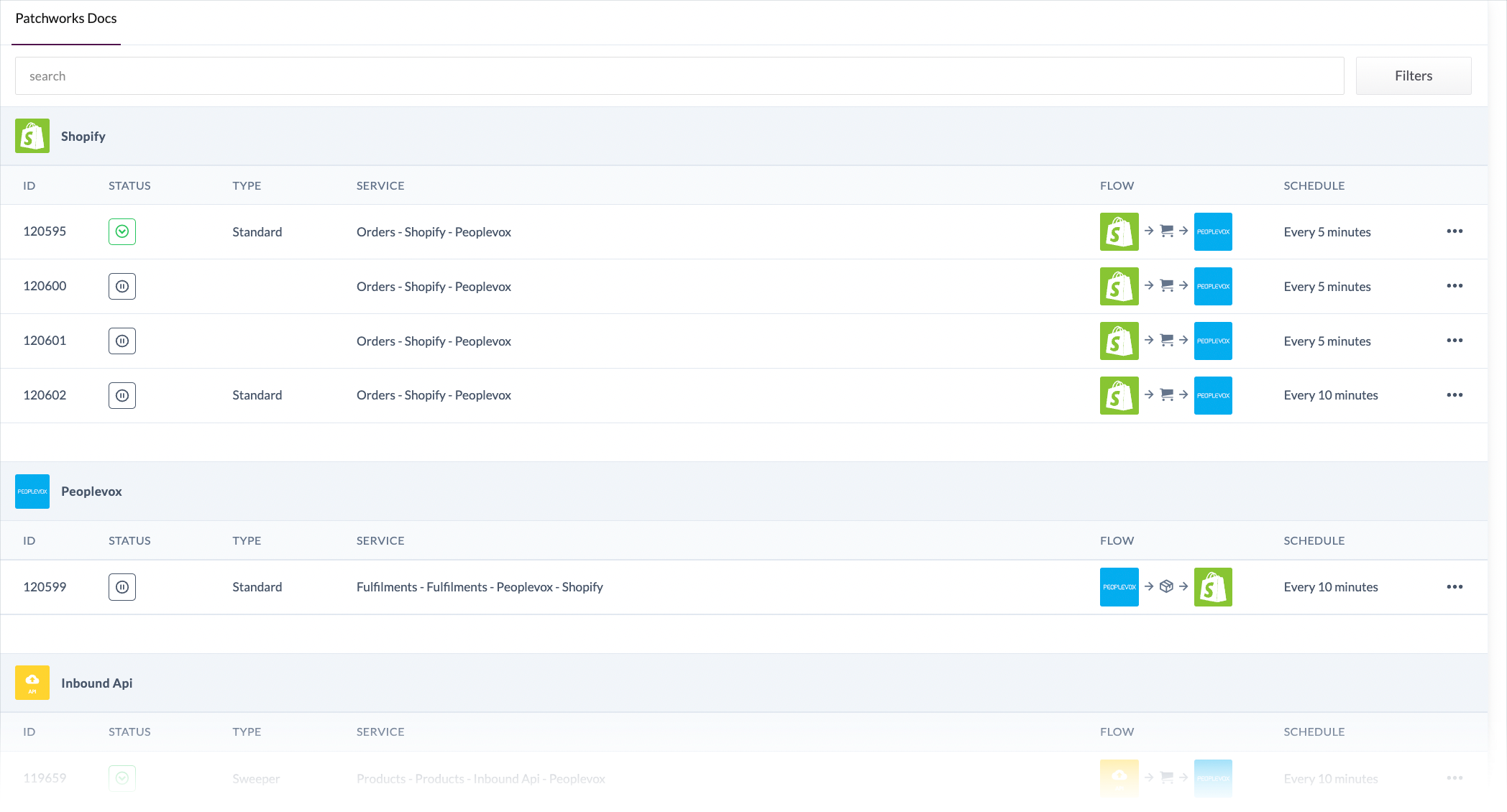
Access the [services list](the-services-list):
{% hint style="info" %}
Please see [accessing services](accessing-services) if you're not sure how to get to this point.
{% endhint %}
**Step 2**\
Click the ellipsis icon associated with the service to be cloned:\
\

**Step 3**\
When prompted, confirm that you wish to complete this operation:\
\

**Step 4**\
A copy of the selected service is added to the [services list](the-services-list) - you can identify it easily because the **type** column is blank - for example:
**Step 5**\
Click this service to access details and update settings as needed.