# How to check the operational status of a service connector

## Introduction

If you have a query with a service sync, one of the first checks you should make is the operational status of its **source** and **destination** connectors.&#x20;

## The steps

**Step 1**\
[Access your connectors](https://doc.wearepatchworks.com/product-documentation/patchworks-services/service-connectors/accessing-service-connectors).

**Step 2**\
Select the first connector to be checked:\
![](https://content.gitbook.com/content/5mpqoXPMbUuPa8JpCLWe/blobs/6rIRcaVphv3aAFlv69dh/select%20connector.png)<br>

**Step 3**\
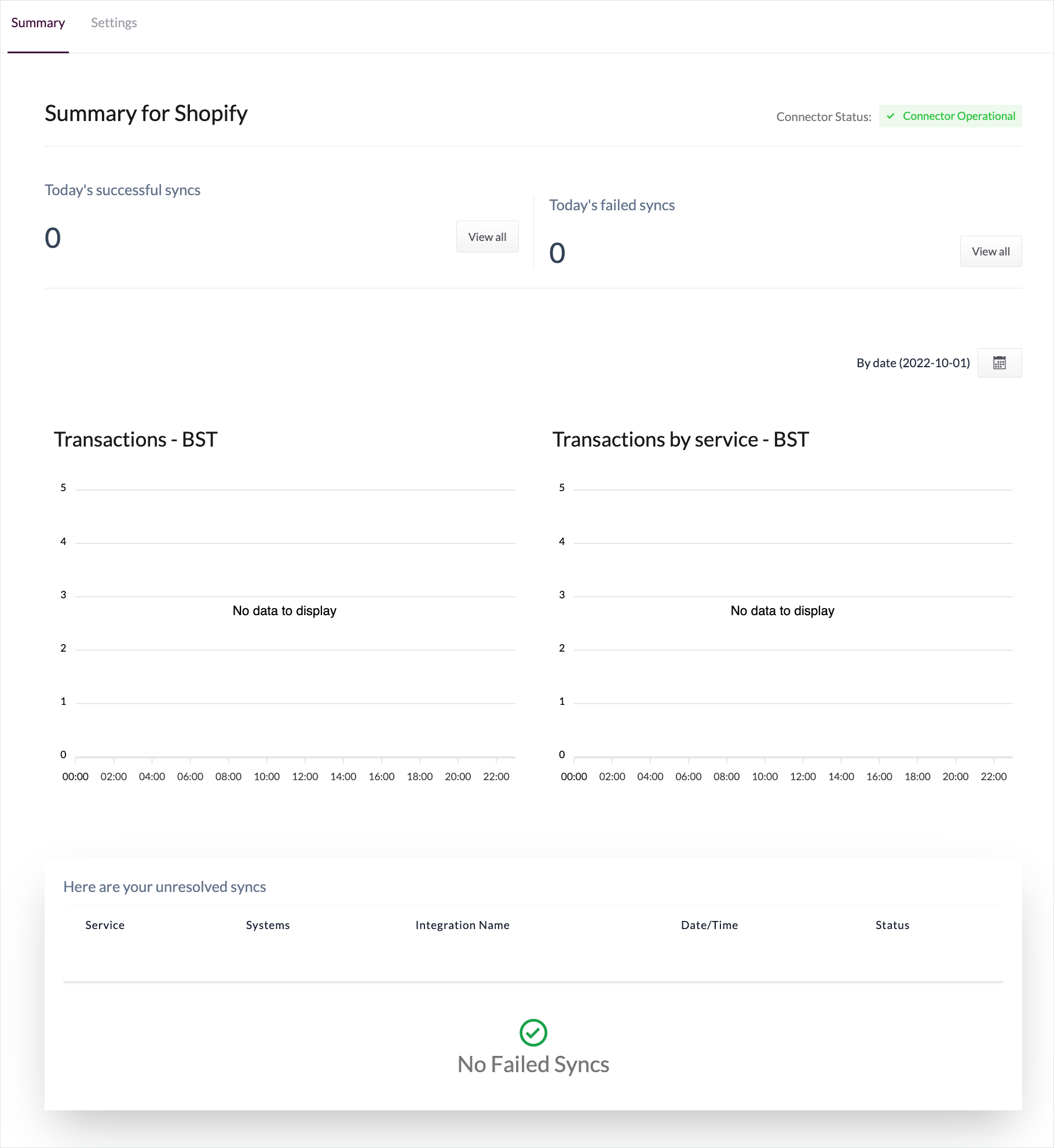
Check the operational status at the top of the **summary** tab - for example:

<figure><img src="https://content.gitbook.com/content/5mpqoXPMbUuPa8JpCLWe/blobs/sNz3A7I9EbQn4P20xAqg/connector%20page%20-%20not%20annotated%20.png" alt=""><figcaption></figcaption></figure>

Behind the scenes, Patchworks is checking if connectors are operational - i.e. that the associated system can be reached and authenticated using the details provided. Possible statuses are:

<table><thead><tr><th width="323">Status</th><th></th></tr></thead><tbody><tr><td>Connector Operational</td><td>The system can be reached and authenticated with the details provided.</td></tr><tr><td>System Unreachable</td><td>The URL provided for this connector cannot be reached.</td></tr><tr><td>Failed Authentication</td><td>Authentication cannot be completed using the details provided. </td></tr></tbody></table>
